
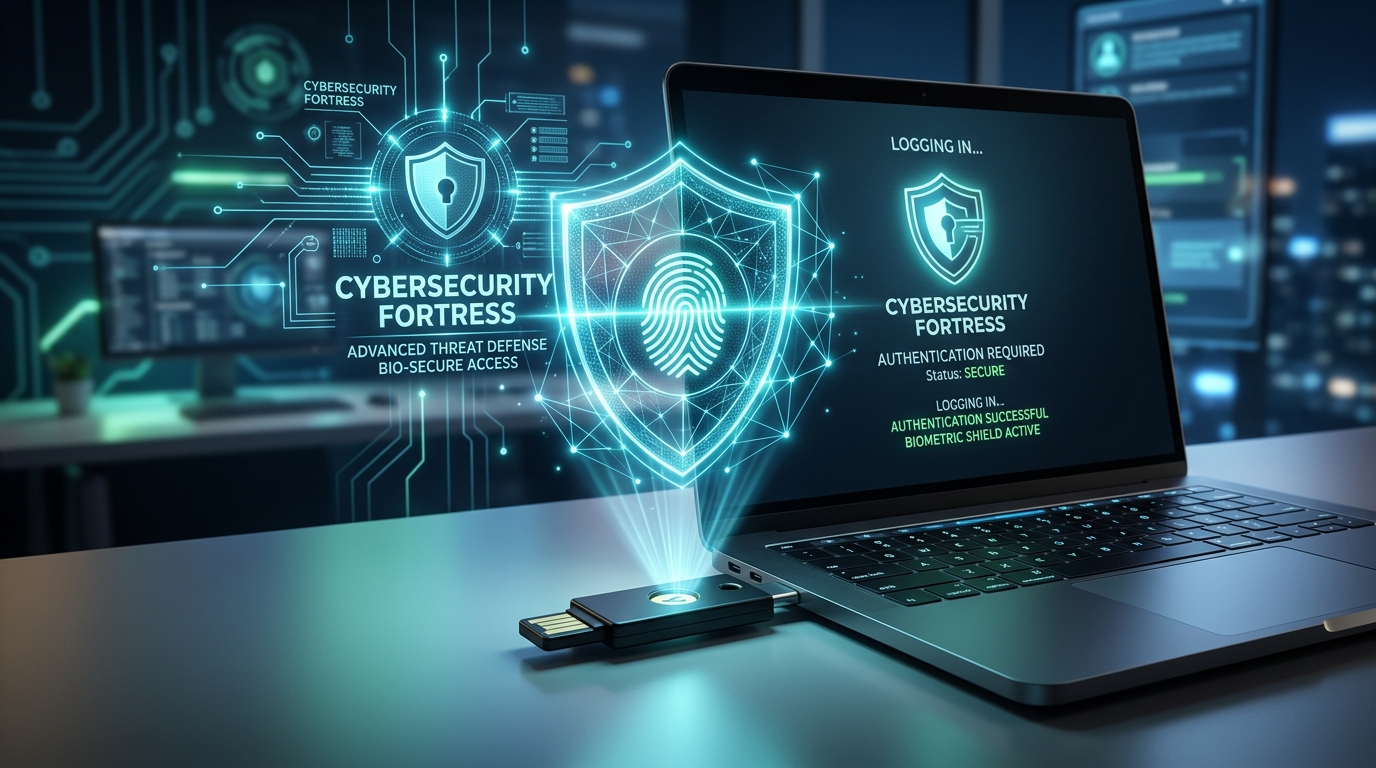
As cyber attacks and sophisticated AI-driven spear phishing campaigns escalate, traditional SMS codes and mobile authenticator apps are no longer foolproof. Exploring this comprehensive Hardware Security Keys Guide in 2026 will show you why physical USB and NFC security keys provide unbreachable, phishing-resistant defense for your online identity.
1. What Are Hardware Security Keys?
According to this Hardware Security Keys Guide, a physical security key (such as a YubiKey or Google Titan Key) is a compact hardware device that plugs into a USB port or taps via NFC on your smartphone to verify your identity during login.
- Cryptographic Proof of Presence: Uses public-key cryptography (FIDO2 / WebAuthn) where the private key never leaves the tamper-resistant hardware chip.
- Origin Binding: The key cryptographically checks the exact browser URL, making it physically impossible to be tricked by deceptive phishing websites.
- Touch-to-Authenticate: Requires a physical human touch or biometric fingerprint scan to authorize access.
2. Security Comparison: Hardware Keys vs. Legacy 2FA
To understand the necessity of physical tokens, examine how different authentication methods hold up against modern attack vectors:
| Authentication Method | Phishing Resistance | SIM-Swap Protection | User Convenience |
|---|---|---|---|
| SMS Text Codes | Vulnerable (Intercepted) | Vulnerable (SIM Swapping) | High (Every phone has SMS) |
| Mobile App OTP (Google Auth) | Vulnerable to Reverse Proxy | Protected | Moderate (Requires manual code typing) |
| Hardware Security Keys (FIDO2) | 100% Phishing-Proof (Origin Bound) | 100% Protected (Device-Bound) | Instant (Single tap to authenticate) |
3. Step-by-Step Setup and Best Practices
- Purchase Keys in Pairs: Always register a Primary Key (for your keychain) and a Backup Key (stored securely in a home safe) so you never get locked out if one key is lost.
- Secure High-Value Accounts First: Register your hardware keys on critical identity gateways—such as your primary Google Account, Apple ID, password manager vault, and cryptocurrency exchanges.
- Remove SMS as a Fallback: After adding hardware keys, disable SMS-based 2FA recovery on supported accounts to eliminate the weakest security link.
Frequently Asked Questions (FAQ)
What happens if I lose my hardware security key?
As long as you enrolled a secondary backup key or saved emergency recovery codes during initial setup, you can effortlessly log in with your backup device and revoke the lost key from your account dashboard.
Do hardware keys work with iPhone and Android smartphones?
Yes. Modern hardware security keys feature NFC wireless connectivity and USB-C connectors, allowing instant tap-and-go authentication across modern iOS and Android mobile operating systems.
Conclusion
Following this Hardware Security Keys Guide is the single most effective cybersecurity upgrade you can make in 2026. Invest in physical FIDO2 authentication to permanently neutralize phishing threats and protect your digital assets with confidence.