
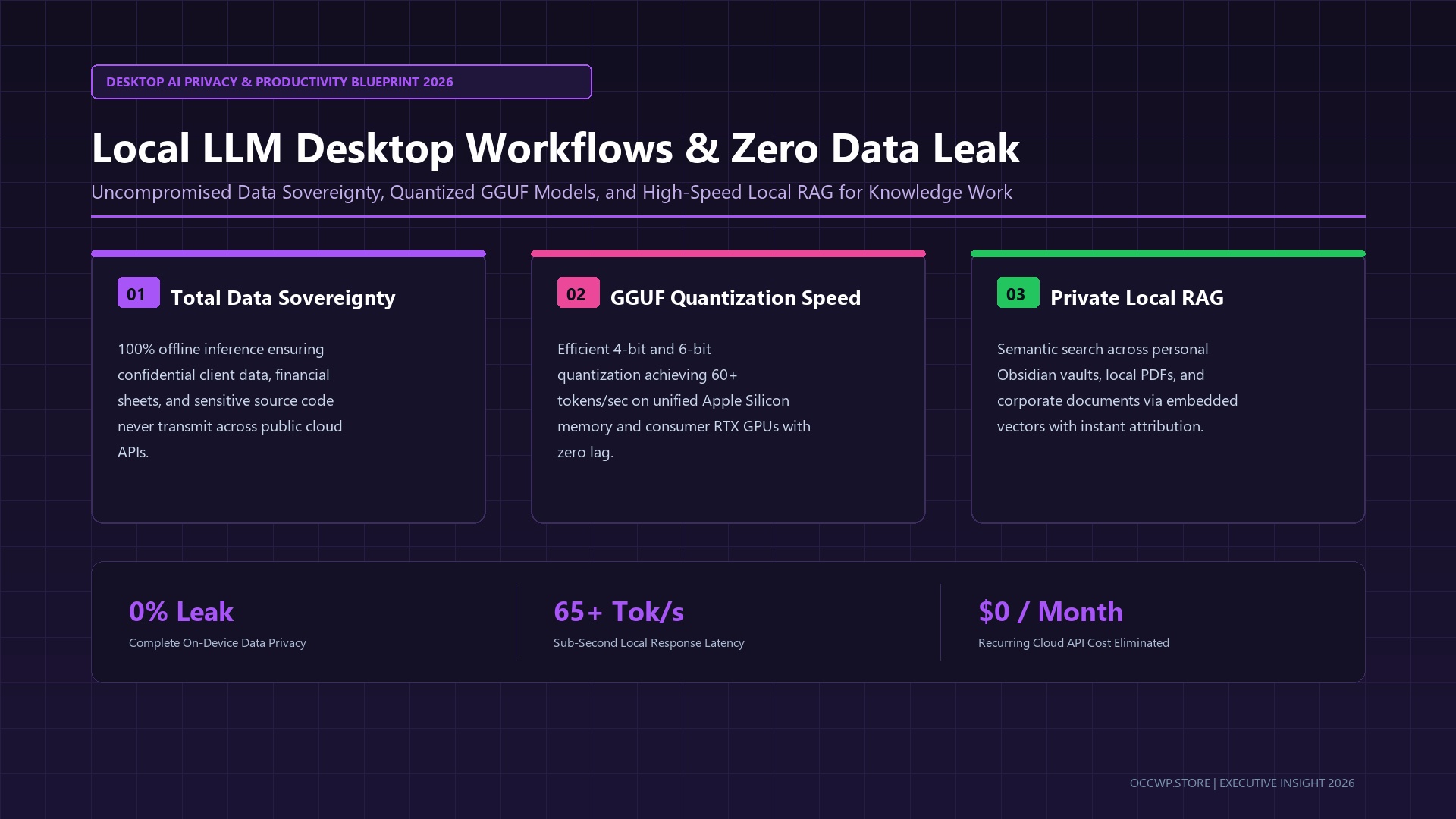
As corporate legal departments tighten surveillance over cloud AI data ingestion and proprietary intellectual property policies, knowledge workers and developers in late 2026 face a critical dilemma: how to leverage cutting-edge AI assistance without exposing confidential documents, codebase secrets, or personal client notes to external third-party servers. The definitive answer is the maturity of Local LLM Desktop Workflows. Powered by advanced GGUF 4-bit/6-bit quantization, lightweight containerized runtimes like Ollama, and browser frontends like Open WebUI, modern consumer workstations can now run capable 8B–32B parameter models completely offline with zero latency penalties and absolute data sovereignty.
Why Local AI Workflows Are Essential in 2026
Commercial cloud LLM subscriptions carry hidden friction: recurring per-seat SaaS costs, strict rate limits, unexpected server downtime, and persistent fears of telemetry scrapers training on user prompts. For sensitive legal analysis, private medical records, enterprise financial modeling, and confidential software engineering, transmitting unencrypted data across public cloud APIs represents an unacceptable operational risk.
With local execution, every single prompt, document chunk, and generated response stays strictly in your computer’s RAM and VRAM. Explore how multimodal audio transcription interfaces integrate into daily productivity in our breakdown of Voice-to-Text Productivity Workflows in 2026.
The Optimal Local AI Tech Stack in 2026
Setting up a state-of-the-art offline AI workstation no longer requires a PhD in machine learning or cumbersome CUDA driver debugging. The standard 2026 desktop stack consists of:
- Inference Engine (Ollama / llama.cpp): A streamlined, cross-platform background engine that allocates model weights across GPU VRAM, Apple Unified Memory, and system RAM with near-zero overhead.
- Desktop Interface (Open WebUI / Jan): A ChatGPT-like clean responsive interface supporting conversation branching, custom system prompts, file attachments, and local model switching.
- SOTA Quantized Models (GGUF Format): Compact 8B to 14B parameter models (such as Llama-3.3-8B-Instruct, Mistral Nemo, and Qwen 2.5) quantized down to Q4_K_M or Q6_K, delivering near-FP16 benchmark accuracy at a fraction of the memory footprint.
- Local Vector Store for RAG: Embedded vector stores (Chroma or sqlite-vec) that index local PDF research papers, Markdown notes, and code repositories for instant retrieval-augmented generation.
Cloud Hosted LLMs vs. Local Desktop LLM Stacks
| Evaluation Metric | Cloud Commercial APIs (OpenAI/Anthropic) | Local Desktop LLM Stack (2026) |
|---|---|---|
| Data Privacy & Compliance | Subject to cloud retention & TOS policies | 100% air-gapped, zero external network packets |
| Subscription / Token Cost | \$20-\$50/mo per user + token API overages | \$0 recurring cost forever (amortized on hardware) |
| Inference Latency | 300ms–1500ms network round-trip delay | Sub-50ms immediate local stream generation |
| Offline Accessibility | Requires active high-speed internet connection | Functions seamlessly on airplanes, trains, or remote sites |
| System Resource Demand | Zero local load (runs in cloud) | Requires 16GB+ RAM (32GB+ recommended for 14B+ models) |
Step-by-Step Implementation Guide
To deploy your private local AI assistant in less than ten minutes:
- Install Ollama: Download the native installer for macOS, Windows, or Linux from the official repository and launch the background daemon.
- Pull Your Foundation Model: Open your terminal and run
ollama run llama3.3:8borollama run qwen2.5:14bto automatically download and quantize the weights. - Connect Open WebUI: Launch the Open WebUI container via Docker or native binary, binding to
http://localhost:3000. It will automatically detect your local Ollama models. - Configure Local Document RAG: Drag-and-drop your private PDF research archives or connect your Obsidian directory to enable private semantic queries without uploading files to the cloud.
For additional strategies on managing cognitive energy and deep work sprints, review our blueprint on Chronotype-Aligned Workflow Design, or explore open-source documentation at Ollama’s Official Portal.
Frequently Asked Questions (FAQ)
What minimum PC or Mac specifications are needed for smooth local inference?
For 8B parameter models at Q4 quantization, a Mac with Apple Silicon (M1/M2/M3/M4) with 16GB unified memory, or a Windows/Linux PC equipped with an NVIDIA RTX 3060/4060 (8GB–12GB VRAM) will effortlessly achieve 45–70 tokens per second.
Can local models really match the coding and writing quality of top cloud models?
For 90% of daily knowledge work—including draft editing, code refactoring, summarization, and local document Q&A—modern 8B and 14B models achieve benchmark parity with earlier frontier models, while offering infinitely better privacy and zero token anxiety.